There are a few different ways to download and install Ops Execution on a Windows 10 device. The way you find and install Ops Execution will depend on the type of account you use on your Windows tablet.
To Install Ops Execution on a Windows tablet:
- Search the windows app store for Ops Execution or use the link below:
- If you’re using the Windows app store with a personal email (such as hotmail or MSN)
- If your organization has a private library in the Windows App Store for business, Ops Execution should be one of the apps that you can download. If it isn’t, please contact the person in your company in charge of Office 365 and ask them to add Ops Execution to the private store library. This process may take up to 24 hours.
- Select 'Get the App'
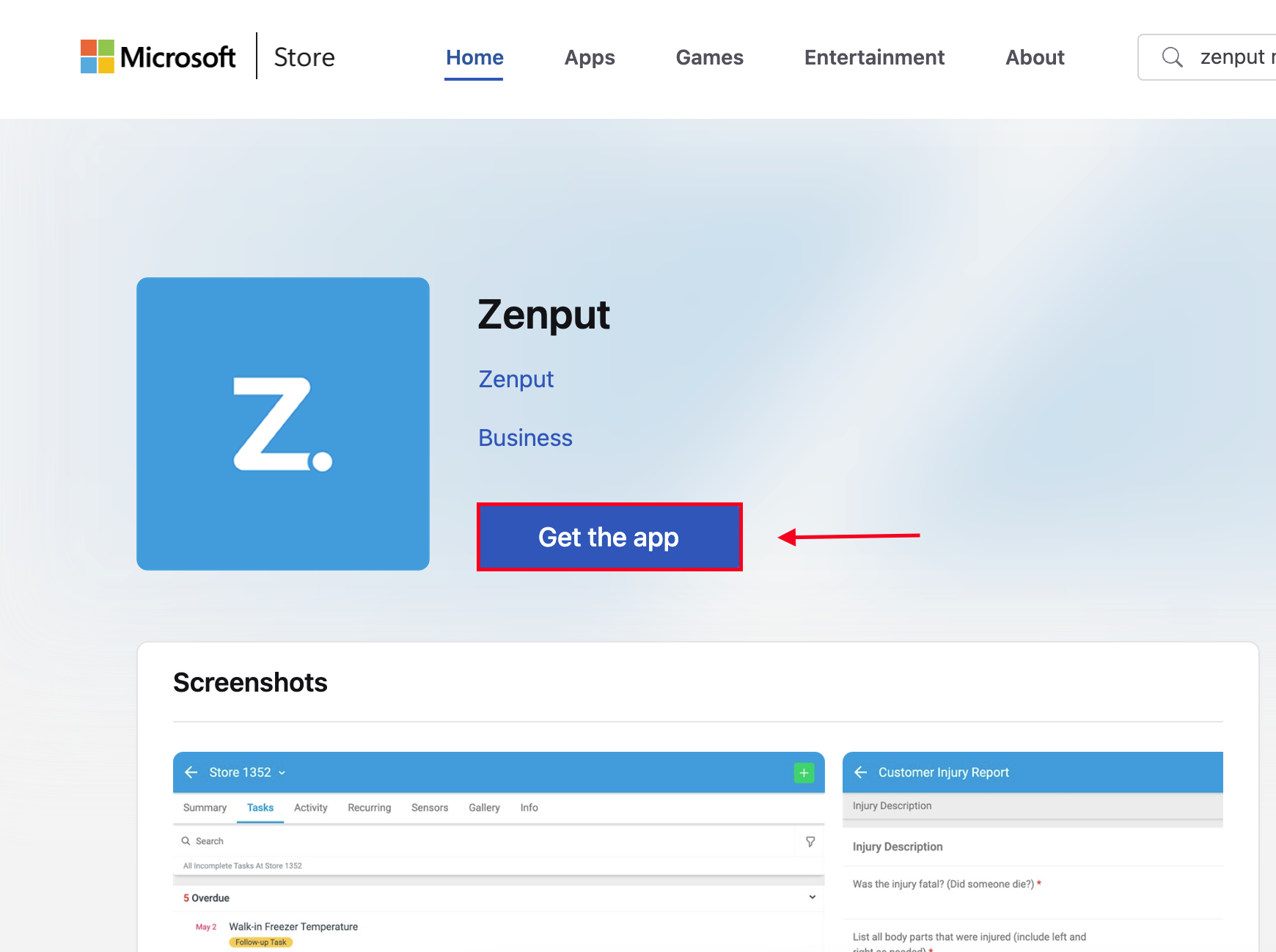
-
Once the download and installation of the Ops Execution application is completed find the Ops Execution app on your device and select it to open the mobile app
- Once you open the app, enter in your Ops Execution login email and password and begin using Ops Execution.
Comments
0 comments
Please sign in to leave a comment.