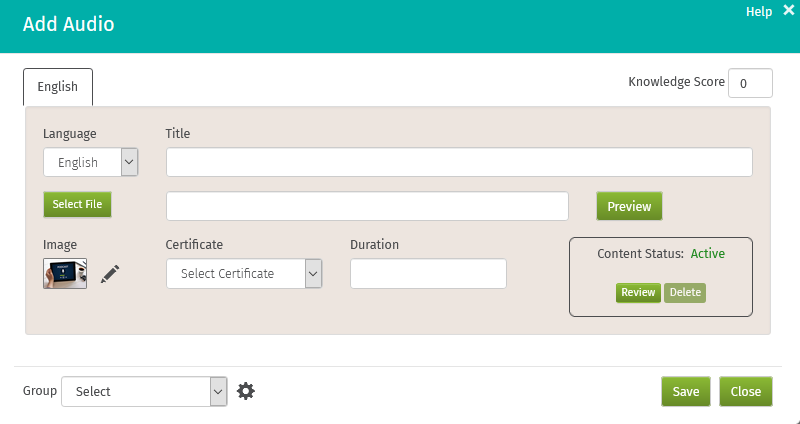
Audio files are one of the many content types that can be added to CrunchTime! TalentLink to make a richer learning experience for your employees. A certificate can be awarded for an audio file and a knowledge score can be assigned to it.
Path: Campus Home > Content > +Content Item > Audio
-
Choose a language, enter a knowledge score, and create a title
-
Click Select File and choose a .wav or .mp3 file to upload
-
Click Save
Special Characters
When creating a title for your file, the following special characters are allowed:
|
! exclamation point " double quote # number sign $ dollar sign % percent sign & ampersand ' apostrophe ( left parenthesis ) right parenthesis * asterisk + plus sign , comma - hyphen . period/decimal point / forward slash : colon |
; semicolon < less than sign = equal sign > greater than sign ? question mark @ at sign [ left bracket \ backward slash ] right bracket ^ caret _ underscore ` accent grave { left curly bracket } right curly bracket ~ tilde |
Comments
0 comments
Please sign in to leave a comment.