The manager's dashboard lets you:
-
See the employees, managers, and administrators in that store
-
See and manage employee details
-
Assign learning programs and see progress learners have made on them
-
Add new employees to the store
-
Search for people and locations and navigate quickly to other stores on your campus
-
Group employees by job role, skill position, or category
-
Sort employees last name, start date, or knowledge score
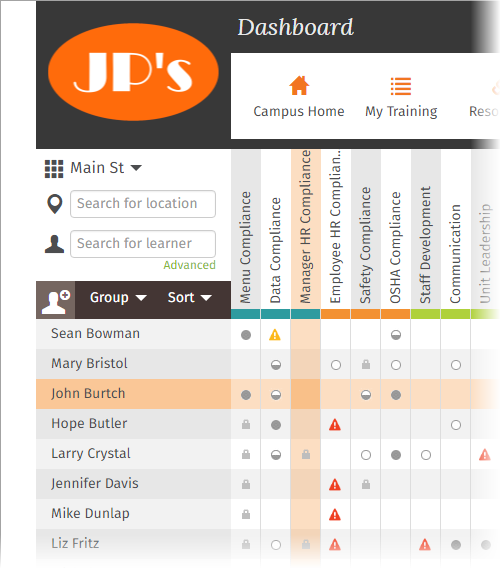
See People in the Store
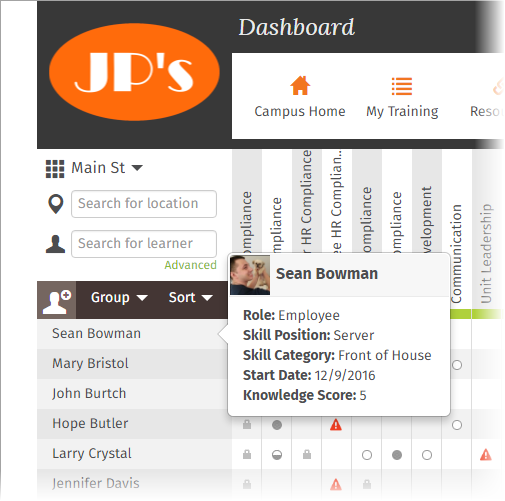
Hover over a learner's name to see role, start date, and knowledge score:
See and Manage Employee Details
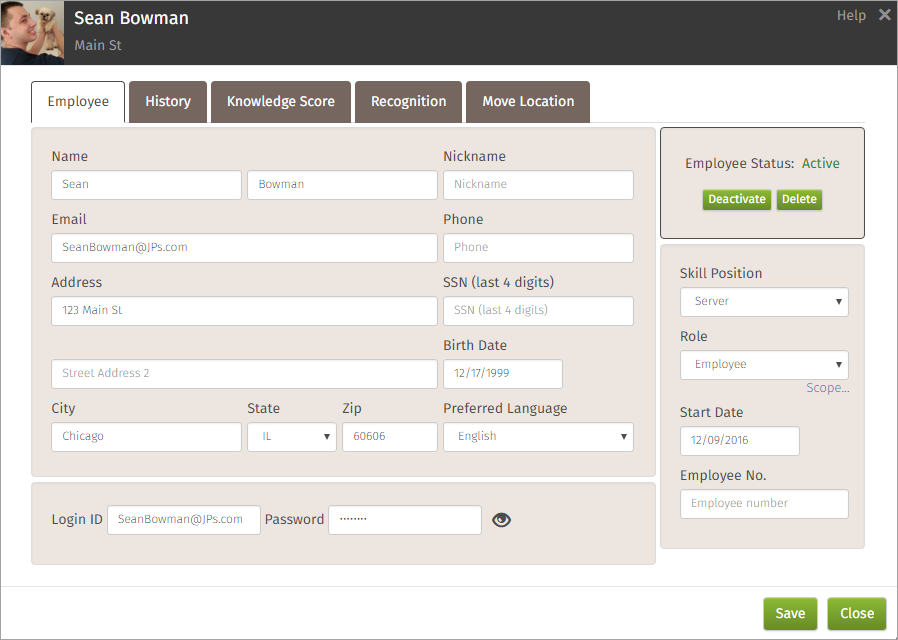
Click a learner's name to see the employee profile and associated tabs:
Assign Learning Programs and See Progress
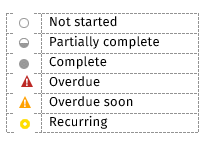
Find the learner's row and click the square that aligns with the learning program you want to assign:
Add New Employees to the Store
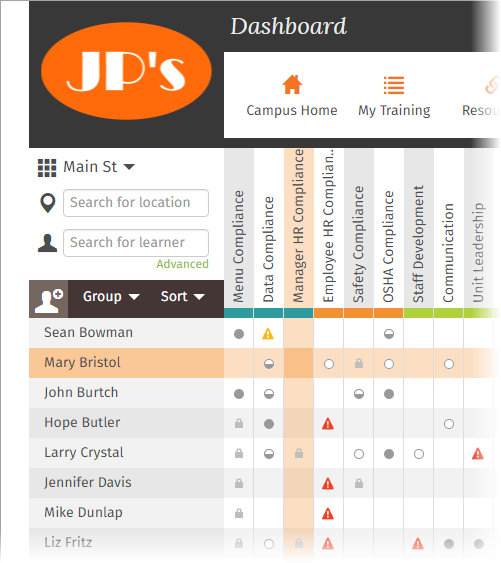
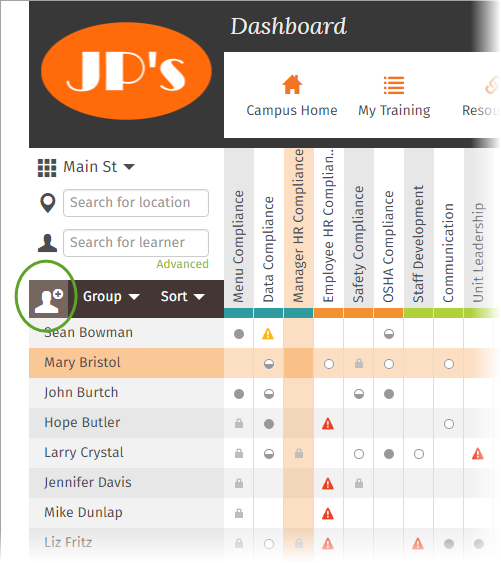
Click the person + icon to open a blank employee profile screen and quickly add a new employee to this store:
Search for People and Locations
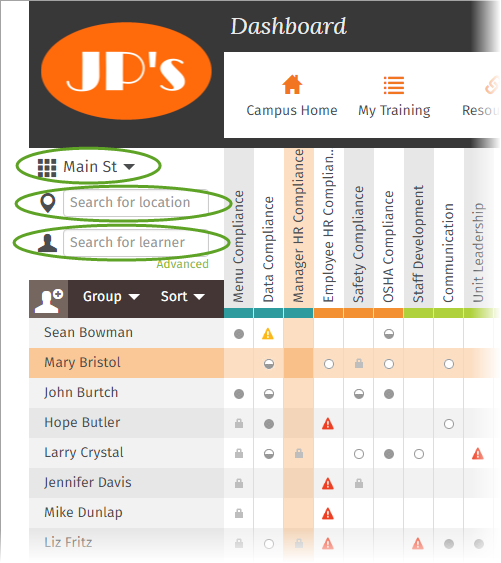
From the dashboard you can navigate quickly to other stores on your campus and search for locations and people:
Comments
0 comments
Please sign in to leave a comment.