💡How to reset your password
Note: To reset your password, you can use this link: https://ops-execution.crunchtime.com/password_reset/
|
Here are a few different ways, on how you can reset your password on Ops Execution. Password requirements:
|
🔍 Navigate this article: |
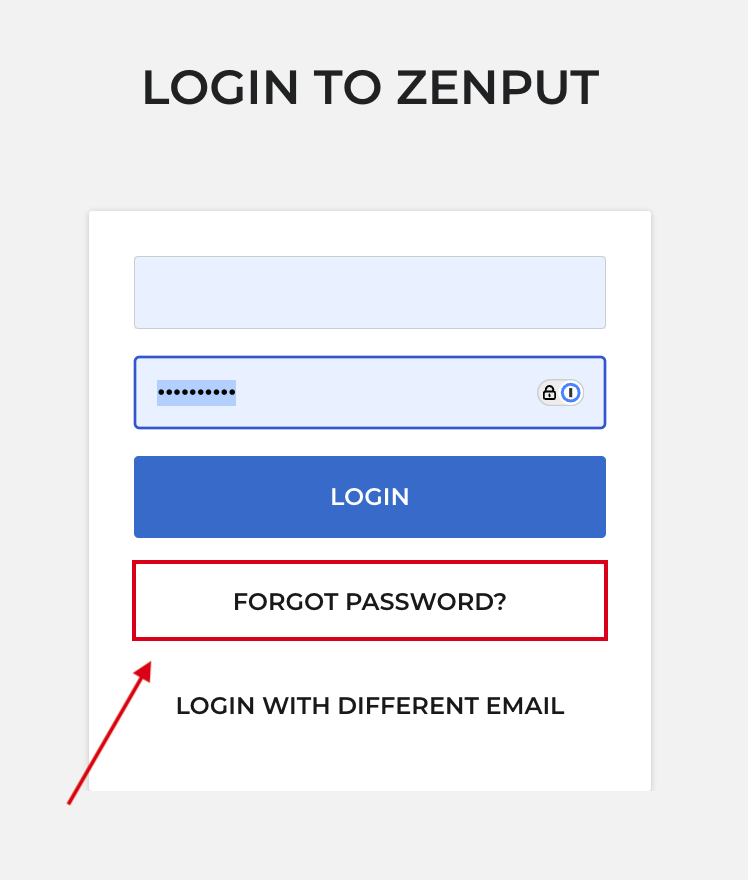
Reset your password on the web (log-in flow):
|
|
|
|
|
Reset your password from the Web app settings (Admins):
If you remember your password, but want to change it, you can follow the below steps.
|
|
Please note, that changing your password will sign you out on all of your devices. Any unsaved changes, such as form drafts that haven't been saved, may be lost. |
|
Note: To change a password of a different user in your company, you can refer to this article.
Comments
0 comments
Please sign in to leave a comment.